

Defense contractors handling sensitive data must follow strict cybersecurity rules set by the Department of Defense. The Cybersecurity Maturity Model Certification (CMMC) 2.0 framework helps protect Controlled Unclassified Information (CUI) across the Defense Industrial Base. But achieving compliance isn’t a one-person job. Most contractors work with Managed Service Providers (MSPs), Managed Security Service Providers (MSSPs), and Cloud Service Providers (CSPs) to manage IT and security tasks.
Contractors can’t assume their providers automatically cover every compliance requirement. That’s where the Customer Responsibility Matrix (CRM) comes in. A CRM spells out exactly who takes care of each security control—whether it’s the contractor, the provider, or both. When everyone knows their role, there’s less risk of security gaps or failed audits.
What Is a Customer Responsibility Matrix?
A CRM is a detailed document that assigns specific cybersecurity responsibilities between a contractor and their service providers. It helps clarify who implements, manages, and maintains each security control required by CMMC 2.0 and NIST SP 800-171. Without a clear CRM, it’s easy for tasks to fall through the cracks, leaving systems vulnerable and audits at risk.
Key Benefits of a CRM:
-
Clarifies Roles: No more guessing who handles what. The CRM clearly states whether the contractor, MSP, MSSP, or CSP is responsible for each control.
-
Supports Compliance: For CMMC Level 2, contractors must meet 110 security controls. Many require teamwork between internal and external teams, making a CRM essential for proving compliance.
-
Reduces Risks: When responsibilities are documented, there’s less chance of security gaps or audit failures due to misunderstandings.
How a CRM Fits into CMMC 2.0

CMMC certification comes in three levels, and the need for a CRM changes with each:
-
Level 1 (Foundational): Most security tasks stay with the contractor, so a CRM is less critical.
-
Level 2 (Advanced): With 110 controls from NIST SP 800-171, many contractors outsource security tasks. A CRM is essential here.
-
Level 3 (Expert): Designed to counter advanced threats, this level demands thorough documentation, making a CRM non-negotiable1.
Auditors will ask who is responsible for each security control. If the answer isn’t in writing, contractors risk failing their assessment.
Building a Strong CRM
A CRM isn’t just a checklist. It’s a roadmap that assigns security duties and tracks progress. Here’s what every CRM should include:
-
Control References: Link each responsibility to the relevant CMMC or NIST control.
-
Responsible Parties: State clearly who (contractor, MSP, MSSP, CSP) owns each control.
-
Implementation Details: Describe how each control is put into practice.
-
Compliance Status: Track whether controls are implemented, in progress, or not started.
-
Supporting Evidence: List documents, logs, or reports that prove compliance for audits1.
Working with Third-Party Providers

Most contractors rely on third-party providers for IT and security. But compliance is ultimately the contractor’s responsibility. Providers handle tasks like network security, monitoring, and incident response, but only a CRM can confirm who’s really in charge of what.
Common Mistake: Assuming the provider handles all security. Many controls are shared, so contractors must document these roles to avoid audit surprises.
Best Practices:
-
Request a CRM as part of your service agreement.
-
Make sure the CRM matches your CMMC compliance scope.
-
Ask providers for evidence of their security measures, like policies and audit logs.
Steps to Create and Maintain a CRM
-
Identify Responsibilities: Figure out which controls you handle and which ones your providers manage.
-
Gather Documentation: Ask all your providers for their CRM and review it for accuracy.
-
Align with Internal Policies: Integrate the CRM into your security, incident response, and risk management plans.
-
Keep It Updated: Review and update the CRM whenever your security policies or providers change. Regular reviews help you stay audit-ready.
Common Pitfalls and How to Avoid Them
-
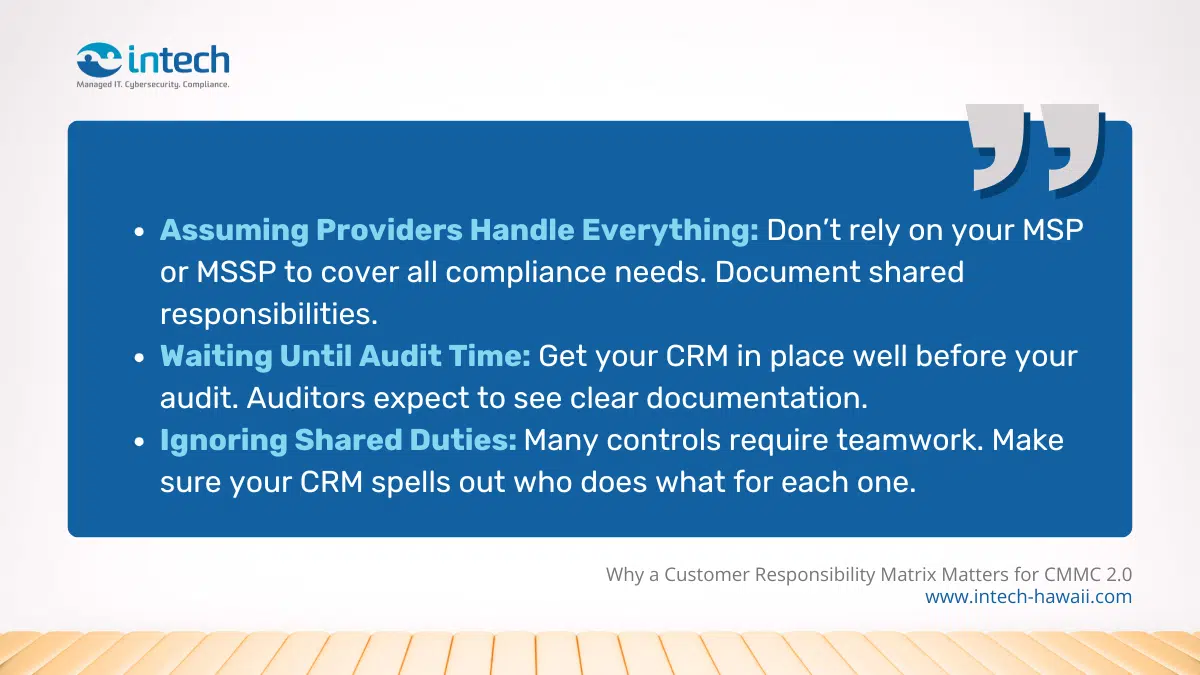
Assuming Providers Handle Everything: Don’t rely on your MSP or MSSP to cover all compliance needs. Document shared responsibilities.
-
Waiting Until Audit Time: Get your CRM in place well before your audit. Auditors expect to see clear documentation.
-
Ignoring Shared Duties: Many controls require teamwork. Make sure your CRM spells out who does what for each one.
By following these steps and keeping a clear, up-to-date CRM, contractors can stay on top of their security duties and pass CMMC audits with confidence.
Let Intech Hawaii Help You with Your CMMC 2.0 Compliance Needs
Don’t let compliance challenges slow your business down. Intech Hawaii’s expert team is here to simplify your path to secure and efficient CMMC 2.0 compliance. Leverage our deep experience and customized solutions to protect your contracts, meet regulatory requirements, and enhance your business’s credibility. Take the first step toward a more secure future—partner with trusted professionals who prioritize your peace of mind.
Contact Intech Hawaii today to start building a safer, more resilient tomorrow.
